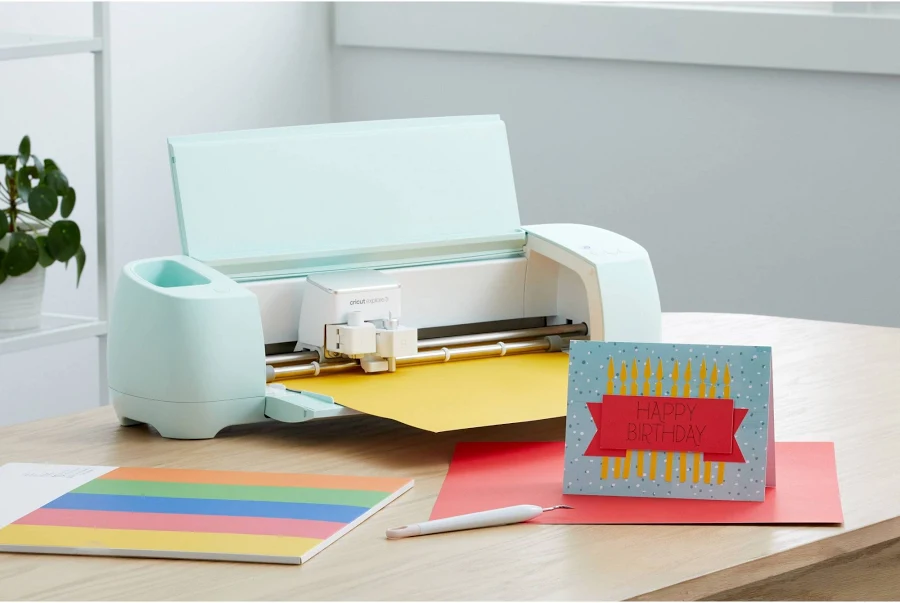
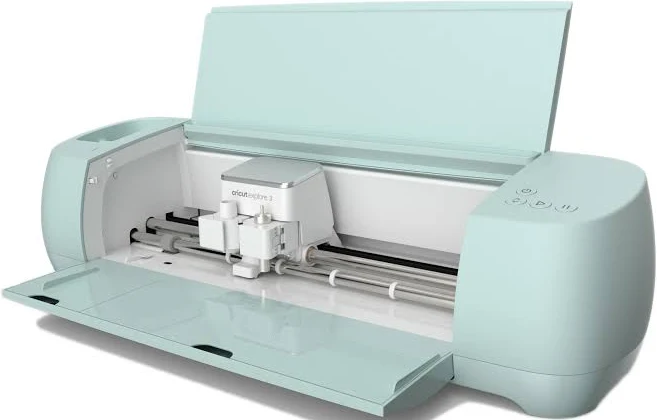
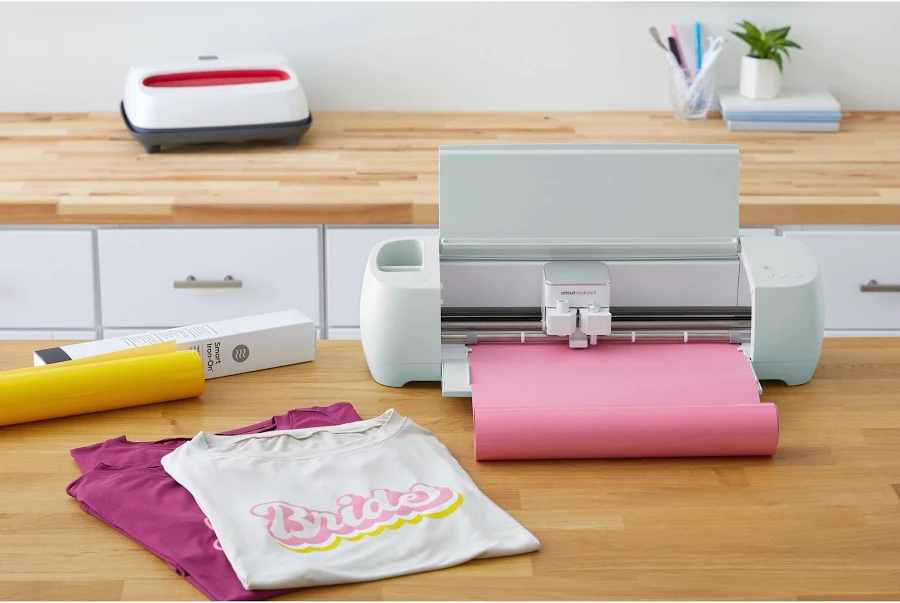
Cricut Explore 3 Electronic Die-Cut Machine
Now open in Ohio
See what you're approved for in about 3 minutes. First question: how often do you get paid?
Already a member? Sign in
- Nothing to pay upfront
- 0% interest
- No credit card needed
- Checking won't affect your credit score
Subject to approval.
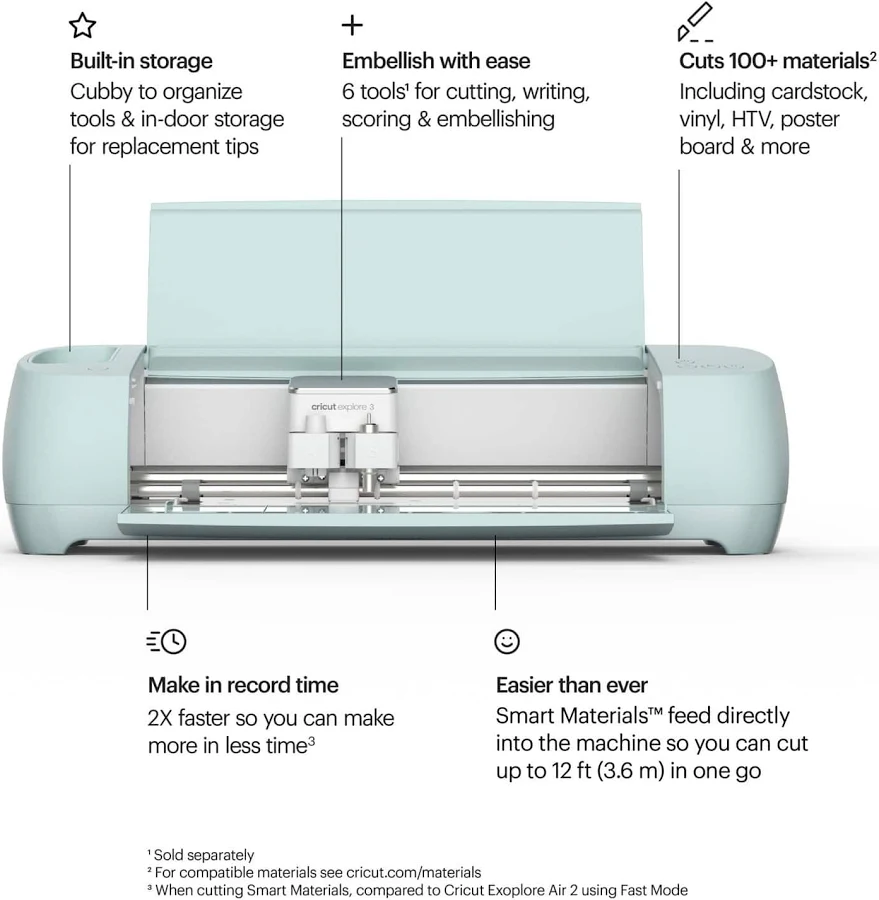
- Cuts more than 100 materials, including vinyl, iron-on, cardstock, bonded fabric and cork
- Mat-free cutting with Cricut Smart Materials, with cuts up to 12 feet long
- Works with the free Cricut Design Space app on iOS, Android, Windows and Mac
- Suited to home decor, car decals and heat-transfer logos
- Green finish
Apply before you shop. See what you can spend in about 3 minutes — then this, at $6.90 a week, and anything else in the store is yours to pay weekly.
How much can I spend?
Up to $3,000 of store credit, worked out from your income. Your limit shows the moment you finish. Subject to approval.
What do I pay today?
Nothing to apply. Once your credit is active, you pay a little each week on your paydays. No card details on this site.
Which states?
30 states and DC right now.
About the Cricut Explore 3 Electronic Die-Cut Machine
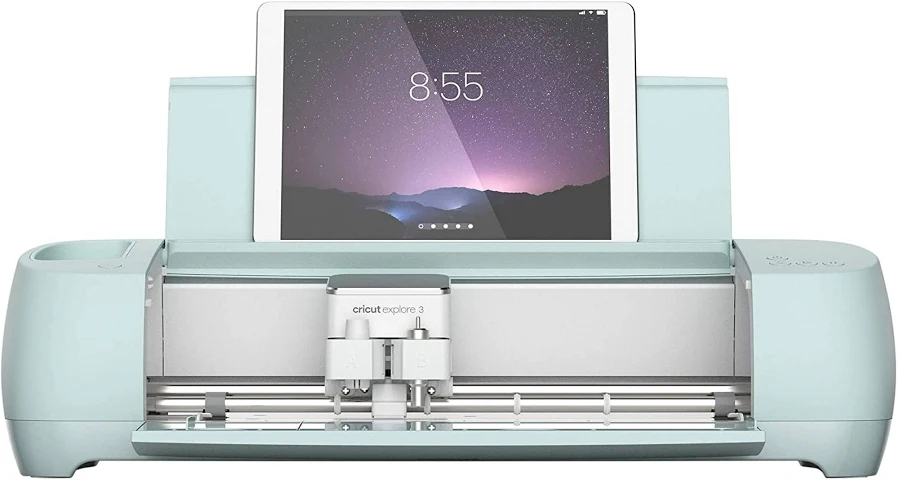
The Cricut Explore 3 is an electronic die-cut machine for crafters who want precise cuts for projects like home decor, car decals and heat-transfer logos. It works with more than 100 materials, from vinyl, iron-on and cardstock to specialty options like bonded fabric and cork.
One of its standout features is mat-free cutting with Cricut Smart Materials. With those materials you can skip the cutting mat and make long cuts of up to 12 feet in one go, which is handy for banners, wall decals and larger signs.
Designs are created and sent to the machine from Cricut's free Design Space app, which runs on iOS, Android, Windows and Mac, so you can work from a phone, tablet or computer. It suits hobbyists, makers producing personalized gifts and decor, and anyone who wants one machine that can handle a wide mix of crafting materials.
What reviewers say
Reviewers place the Explore 3 in the middle of Cricut's range and generally see it as good value. They note it cuts about twice as fast as the older Explore Air 2 when using Smart Materials and handles a wide range of materials, with beginner-friendly software. Common gripes are that no cutting mat is included (you need one for anything that isn't a Smart Material), only a fine-point blade comes in the box, and it can't cut materials as thick as Cricut's Maker can.
Pros
- About twice as fast as the Explore Air 2 when cutting Smart Materials
- Cuts a wide range of craft materials
- Beginner-friendly software with step-by-step guidance
- Good value for its materials range and features
Cons
- No cutting mat in the box and only a fine-point blade
- Can't cut materials as thick as the Cricut Maker
- Needs a phone, tablet or computer to run, and the optional Cricut Access subscription costs extra
Our summary of professional and shopper reviews published elsewhere (Creative Bloq, Gathered and BGR), as of Oct 10, 2026. These are not reviews of PAPA YES.
Key specs
| Brand | Cricut |
|---|---|
| Brand | Cricut |
| Model | Explore 3 |
| Cutter type | Electronic die-cut |
| Materials | More than 100, including paper, vinyl and fabric |
| Example materials | Vinyl, iron-on, cardstock, bonded fabric, cork |
| Mat-free cutting | Up to 12 ft with Cricut Smart Materials |
| Software | Cricut Design Space (free app) |
| App compatibility | iOS, Android, Windows, Mac |
| Color | Green |
| Category | Home |
| Term | 52 weekly payments |
| Weekly payment | $6.90 |
| Total cost | $358.80 in store credit |
| Availability | In stock |
| SKU | cricut-explore-3-machine-3c3ad8 |
You might also like
See all →